

It has been slightly over three months since our last post. We are pleased to announce that we have build and tested extensively our Steam Box prototype. Technical specs are listed at the bottom of the page.
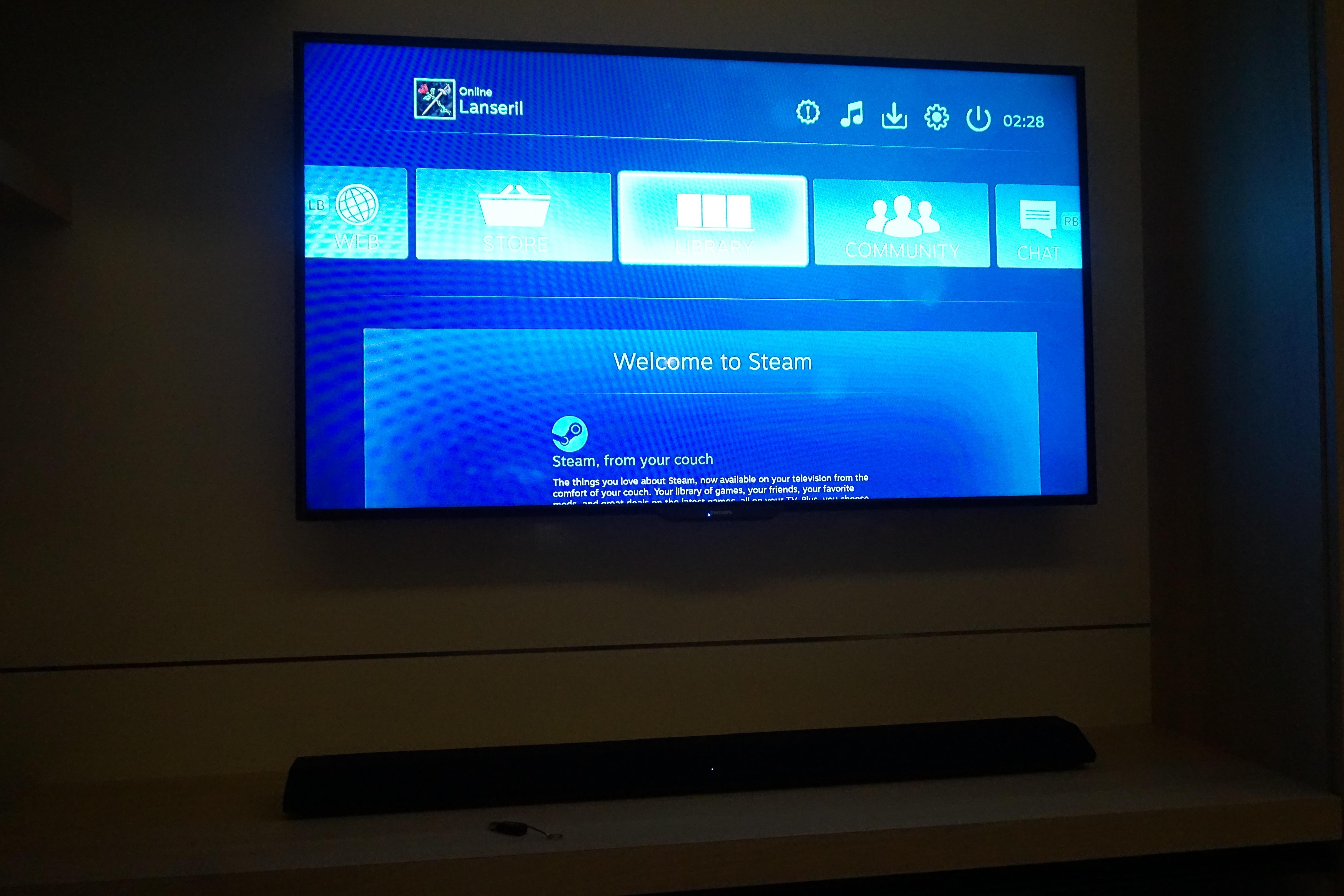

Functionalities tested
1. Kodi as a media centre, watching videos though Genesys (TV show, movies and DVD)
2. Youtube app on Kodi
3. Launching chrome thru Kodi and streaming videos with Flash and HTML 5
4. Launching Steam thru Kodi and gaming with controller-compatible games. Keys were easy to map and you can download other players’ customised mappings
5. Skype and Webcam functionality. Teamspeak and Mumble
6. Torrent downloading, magnet links. Control through Kodi
7. Browsing facebook and wasting time
Since I am not providing test on emulation due to legal reasons, I will post a video on its functionality should you wish to include it. This youtube video was not created by us but the theme and functionality served as a model for us to base our design on.

See below for the review!
–Review–
As per the video above, I have set the PC to launch into Kodi on startup through the Lubuntu operating system. No compositing manager is used to maximise performance.
Navigation using air-mouse keyboard


It wasn’t easy to navigate with the airmouse but there is a button to freeze the air mouse and the keyboard arrows were very intuitive and responsive. Play, forward and rewind buttons were convenient to manipulate the video. Navigation on chrome is better done with the air-mouse however. A wireless mouse may provide a good alternative. Navigation on steam is easy.
Navigation with Logitech controller


Seamless on Kodi and Steam. It was still however easier to navigate web pages with the air-mouse. Navigation on steam is easy.
Watching videos
Kodi is beautiful and can allow smooth playback of images, videos and music without compatibility issues. As long as your PC can play it, this functions the same. DVD plays as per VLC.


Genesis system to watch Supergirl
Genesis is the perfect counterpart to Kodi, it is an add-on that searches various sources for the latest TV episodes and movies without navigating through multiple websites or viewing annoying adds.
Youtube videos are self-explanatory but do not fall short of playback issues on phones and other android smart boxes i.e. ‘this video is not available on mobile devices’.
Streaming from chrome is also extremely compatible whereby a lot of these videos were not compatible on mobile, especially Korean Dramas. Maplestage was used as one of the testing site.
File storage and Access
Linux generally has good support for android devices and reading SD cards, USBs and DVDs. You may even setup dropbox and set up your own cloud!
Downloading videos by torrent or upload websites has never been easier. HorribleSubs was tested with transmission being the torrent downloader.
Playing games
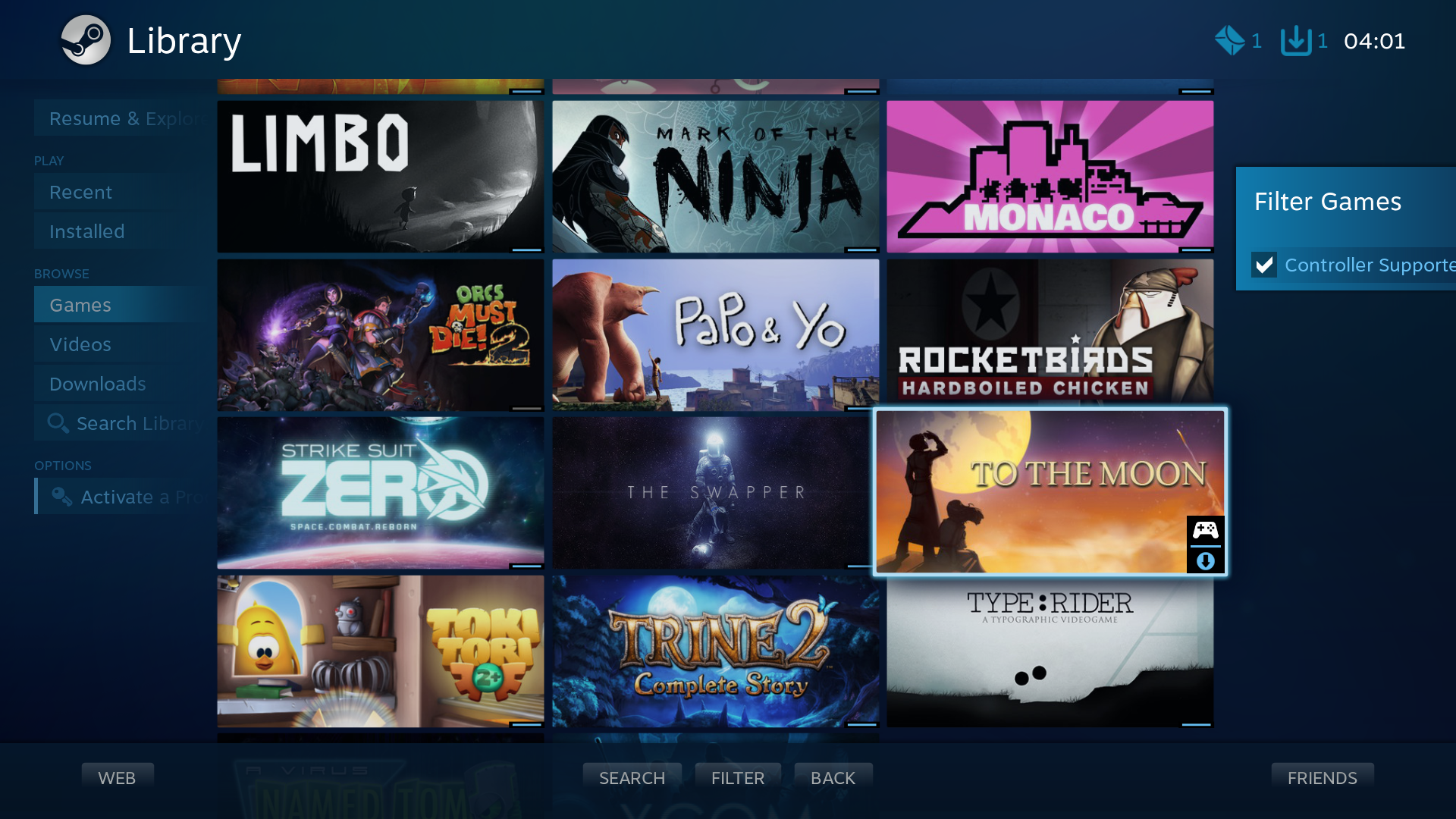
My controller supported games
Steam is an extremely smooth and viable system to play games on the living room. Launches provide a smooth big-picture experience without the need to pull out a keyboard. Games can be filtered according to whether they are controller compatible or not.
Unlike consoles, you now have a wider range of peripherals to use, for example
1) gaming with joystick for flight simulators
2) using only a wireless mouse for point and click adventures
3) choosing between different type of controllers (XBox or Logitech or PS4)
Your Steam library is now accessible in your living room! Many of your games (some windows games are not available on Linux) are easily available on the Steam system.
Running windows games on Wine was not tested (as most of these games are not suited for the living room anyway).
Browser/Facebook games are also easily accessible through Chrome. If needed, emulated games can also be played.
Other functions

Using your email on browser
Downloading videos by torrent or upload websites has never been easier. HorribleSubs was tested with transmission being the torrent downloader. The system can also be used as a living room social platform where you can use Skype and other chat software to communicate with your friends, not to mention surf and browse websites such as twitter and facebook and check your emails. If you have a network printer, it can also be installed.
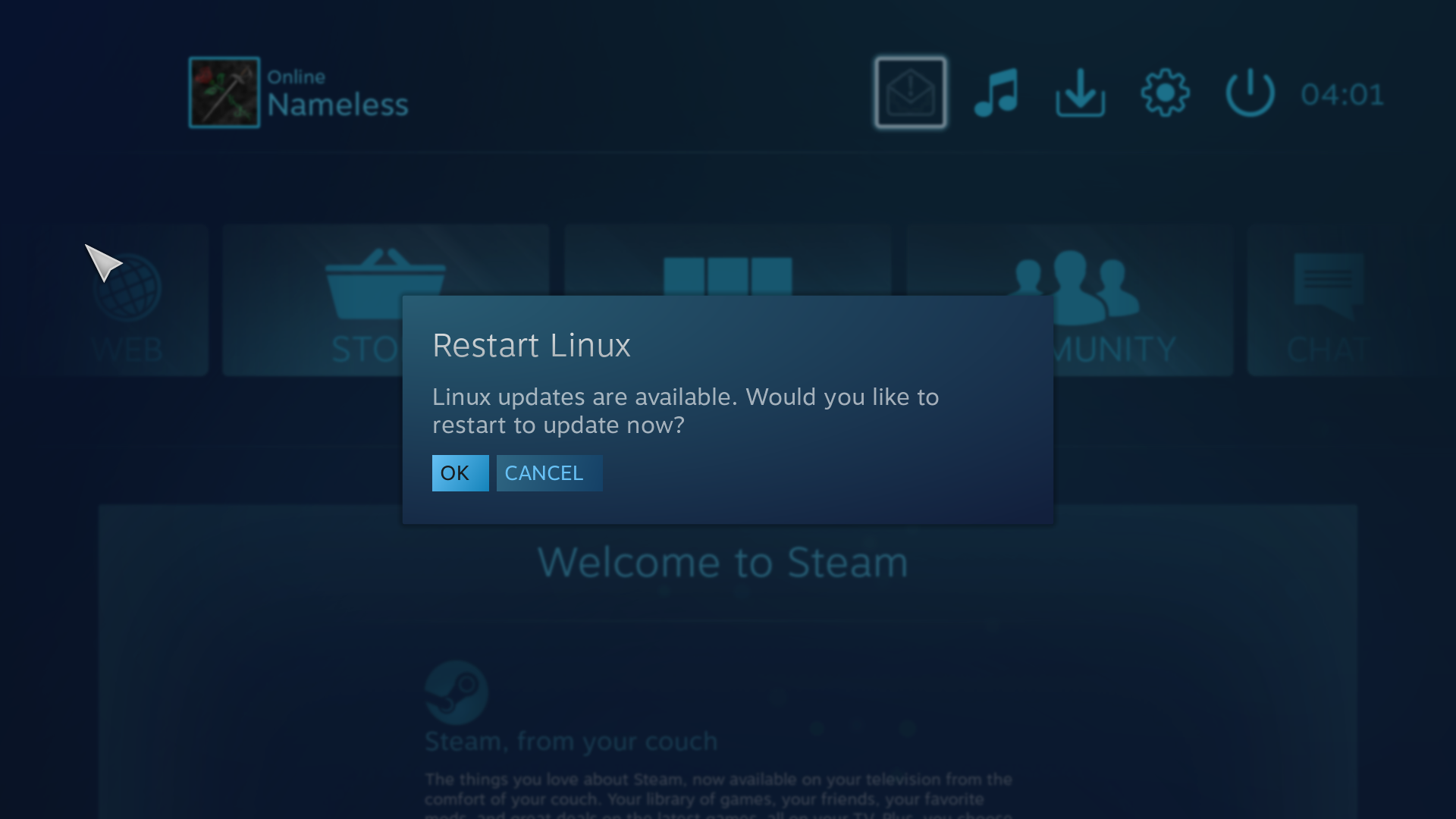
Steam also detects linux updates and informs that restart can be performed for update.
Impression
It is better to buy a machine with Linux, Kodi and Steam rather than buying a Steam Machine itself.
This is however considerably more expensive than buying a console (such as Xbox One) but opens you up to many games available in the steam library, most of which are more affordable and the library is much wider. The system also allows use of more different types of peripherals which consoles cannot achieve.
You can also stream videos and music for free and without hassle using the Genesis add-on. Most videos are updated to within 24 hours upon release. Torrent downloads can also be used. The machine also functions as a blu-ray player.
Despite the price, there is little competition to match against such a beast. The system provides functionality of a normal PC whilst retaining the living room form factor of gaming console.
We can build the machine for you at SGD 999 (Non-slim), 1099 (Slim). Click here to request.
Prototype Technical Specs (Slim): open in new tab
PC/Steam system


The GFX fan remains unobstructed. Fan on the cover is complementary.
1. SFX Silverstone 450W power supply
2. MiniITX case
3. H97I PLUS MB
4. Corsair Vengeance DDR3 8 GB RAM (4×2)
5. Palit Nvidia Geforce GTX 750 1024MB
6. 1TB 7200 Sata3 HD
7. DVD R/W / BluRay slot-in
Peripherals (optional)
1. TPLink Wireless repeater (MB with wireless function can be used instead)
2. Logitech F710 Wireless gamepad
3. Rii Mini i25 Air-mouse remote controller
Cost 999.
Cosmetic (+100)
1. Colored Jetflo 120 Fan
2. Silverstone Raven case RV01
Limitations for Build
1. Price has to be below 1000. XBOne only costs 500 in comparison.
2. The slick raven case was chosen due to its slim design, thus being able to fit in a narrow shelf on my feature wall. Most feature walls will have more than enough space for most ITX cases but I did not make sufficient holes for wires to access those free spaces and my giant subwoofer was already hogging one of those intended spaces. 550W power supply was initially intended but did not fit into the case. I was willing to overbudget by 100 dollars due to this reason.

Slim design of the Raven case fits onto my shelf
3. Unlike other countries, a slot-in DVD drive is difficult to obtain and more expensive in Singapore. Importing would be cheapest. I obtained my drive from a laptop dismantling shop. A special cable also had to be obtained which was available in Sim-Lim.
4. Wireless repeater was chosen instead of the cheaper wireless MB as I had to extend my wireless coverage. TP link is a good brand.
5. Steam controller was not obtained due to high learning curve and limited time set for testing. However, the software should be compatible with a Steam controller.
Installation issues
1. Most of the installation was out of the box and working. Latest updates were applied.
2. Graphics drivers had issues with using the right DPI for text, making text unreadable. I had to modify Xorg.conf for it to work. Primitive and nostalgic.
3. Kodi shortcut mapping isn’t intuitive but somehow manageable. Shortcut mapping on Lubuntu is not that intuitive.
4. DVD player was not working for certain regions, VLC was added into Kodi to replace the original DVD player.